
LOCAL SEO AUTHORITY
Google Business Profile Post-Verification Optimisation Guide
Getting a Google Business Profile verified is often the hardest part — keeping it trusted by Google is where many businesses go wrong.
We regularly see business owners make too many changes too quickly after verification, which can trigger suspensions, re-verifications, or reduced visibility in Google Maps.
This guide explains the safest way to optimise a newly verified Google Business Profile while building long-term trust and stability.
Once your profile is stable, you can then focus on generating more Google reviews for your business to improve visibility, trust, and local rankings.
RISK AWARENESS
The Delicate Phase Of
Post Verification
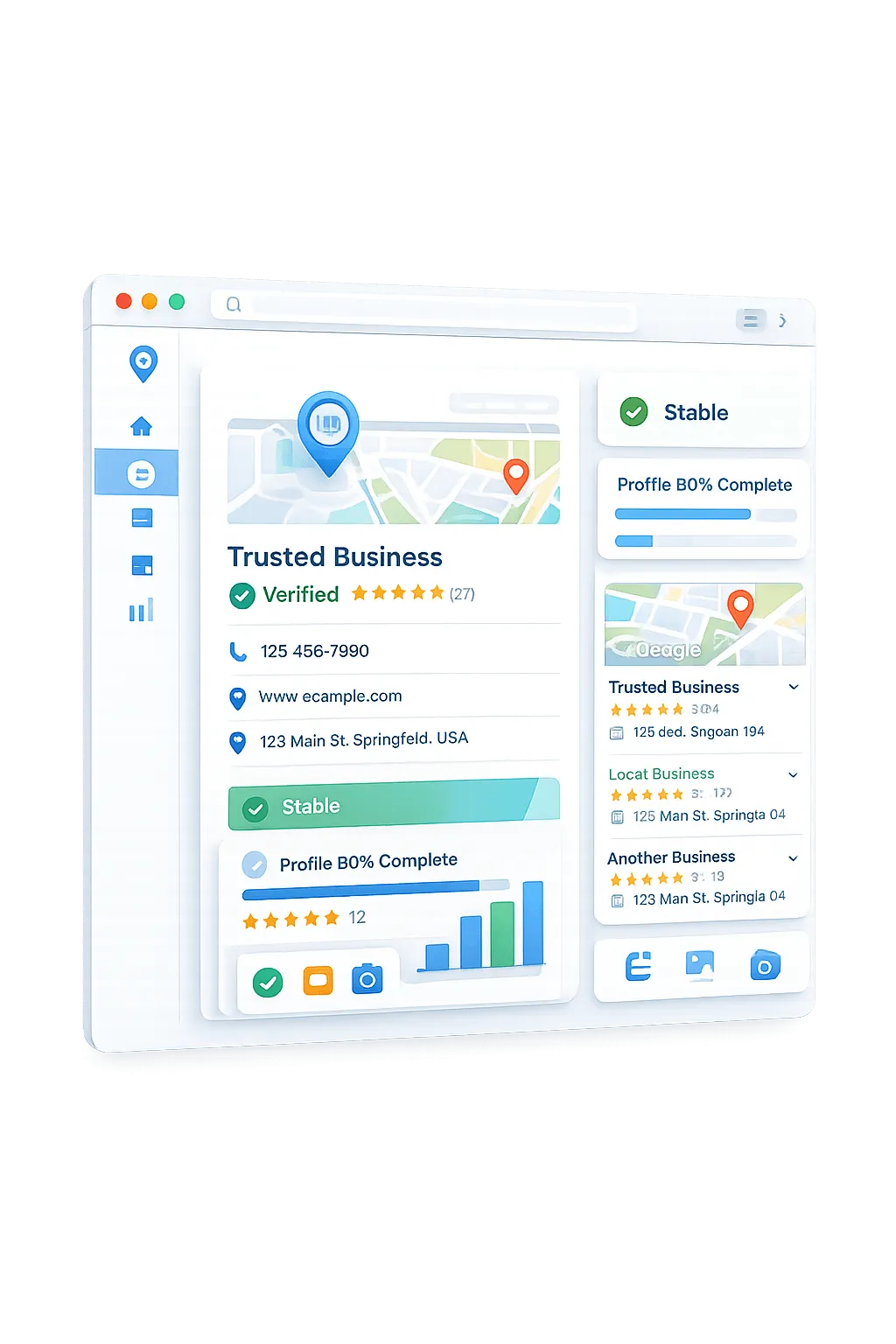
Once Google verifies your business profile, it enters a sensitive trust-building phase. Making too many changes too quickly after verification can raise red flags with Google and may lead to suspensions or re-verification requests.
Update Velocity
Making sweeping modifications to core profile data all at once signals compromised account activity to the algorithmic filters.
Data Discrepancies
Minor variations between your newly entered profile details and established directory citations invite immediate algorithmic scrutiny.
Spam Thresholds
Certain keyword insertions in your business name or description trip automated filters explicitly designed to catch manipulative local SEO tactics.
Trust Calibration
Google requires time to calibrate profile authority. A methodical, phased approach establishes long-term stability without triggering manual reviews.
THE 14-DAY SOP
Your 14-Day Optimisation
Blueprint
A strict chronological framework to safely seed your Google Business Profile with core data without triggering automated suspension filters.
0
The Baseline Lock
Establish core identity without tripping initial spam filters during the sensitive first 24 hours.
Required Actions
- Verify profile ownership
- Lock exact primary category
- Confirm exact NAP matches website
Risk Mitigation
- Do not touch secondary categories
- Do not upload any photos yet
- Avoid service area changes
1-2
Core Profile Seeding
Introduce the essential business data that Google expects from a legitimate local entity.
Required Actions
- Add a concise business description
- Set definitive operating hours
- Upload logo and 1 exterior photo
Risk Mitigation
- Maximize at 2-3 high-trust images
- Absolutely no keyword stuffing
- Do not add a tracking phone number
3
Services & Products
Begin mapping your local relevance by accurately defining your core service offerings.
Required Actions
- Add top 3 primary services/products
- Use natural language descriptions
- Link items to relevant website pages
Risk Mitigation
- Avoid bulk uploading 20+ items
- Do not use promotional titles
- Only list verified services
4-7
Initial Trust Signals
Generate the first pieces of third-party validation to cement the profile's authority.
Required Actions
- Generate 1-2 legitimate reviews
- Respond to reviews naturally
- Ensure website schema matches GBP
Risk Mitigation
- Do not use automated review software
- Space reviews out over 72 hours
- No keyword-stuffed replies
2+
Sustained Momentum
Transition from profile setup into a safe, sustainable ongoing optimisation cadence.
Required Actions
- Turn on Google Q&A and seed 2 FAQs
- Post first non-promotional Update
- Monitor for pending public edits
Risk Mitigation
- Keep update frequency low (1x/week)
- Do not accept unsolicited suggested edits
- Maintain strict consistency
RISK MITIGATION
Critical Red Flags To
Avoid
Optimising a Google Business Profile right after verification requires clinical precision. Sudden or excessive changes don't boost your ranking—they trigger automated security algorithms, potentially resulting in immediate suspension and a grueling re-verification process.
⚠ THE RE-VERIFICATION TRIGGER
Google’s trust algorithm is highly sensitive during the first 14 days. Any action that suggests illegitimacy—especially core profile changes—can instantly lock your profile, erasing your SEO momentum and removing you from local map packs.
Keyword Stuffing
Adding artificial service keywords or location modifiers to your business name immediately triggers spam filters.
Bulk Photo Uploads
Dumping dozens of photos at once appears unnatural to the algorithm. Drip-feed visual content slowly to mimic genuine activity.
Frequent Category Changes
Altering primary or secondary categories shortly after verification signals instability to Google's trust algorithm.
Virtual Offices & PO Boxes
Using unstaffed locations or virtual office addresses violates core guidelines and is highly targeted by automated sweeps.
Aggressive Early Optimisation
Making wholesale profile changes on day one looks like manipulation. Follow a staged, 14-day progressive approach.
Core NAP Changes
Modifying your core Name, Address, or Phone number shortly after verification almost guarantees a re-verification demand.
Core Principles Of
Stability
Your Google Business Profile is a delicate asset. Approaching it with an expert strategic mindset is the only way to build lasting local authority without triggering algorithmic suspensions. Master these fundamentals before executing optimizations.
Stability Over Speed
Rapid, sweeping modifications alert the algorithm to suspicious behavior. We prioritize incremental, natural-looking optimizations to ensure algorithmic trust and prevent suspension flags.
Stage Everything
Think of profile optimization like building a house. Foundational elements (categories, address) must be rock solid before moving to decorative features (services, posts, photos).
Consistency Builds Trust
Google’s local algorithm craves certainty. Your Name, Address, and Phone number (NAP) must remain identical across every digital directory and mention on the web.
Treat GBP Like A Vault
Every edit is a transaction. Constant modifications, especially to core business details, degrade account trust. Optimize accurately once, then let it settle to accrue value.
PROTECT YOUR PROFILE
Secure Your Local
Authority
Avoid the costly mistake of premature optimisation. Before making any critical changes to your newly verified profile, let our local SEO specialists conduct a comprehensive audit to guarantee compliance and long-term stability.
✓ Safe & Compliant | ✓ Expert Analysis | ✓ No Obligation
Frequently Asked Questions
How long should I wait before optimising my Google Business Profile?
After verification, it’s best to avoid making major changes for the first 24 hours. Newly verified Google Business Profiles enter a sensitive trust-building phase, and aggressive early optimisation can trigger re-verification requests or suspensions. Start with light foundational updates first, then gradually introduce services, photos, and engagement signals over the following 1–2 weeks.
Why do newly verified Google Business Profiles get suspended?
Newly verified profiles are closely monitored by Google’s automated trust systems. Too many edits too quickly — such as changing categories, adding large amounts of content, or modifying core business information — can appear suspicious. Google prefers gradual, natural activity that mirrors legitimate business behaviour.
Can changing my business information trigger Google re-verification?
Yes. Changing your business name, address, or phone number can trigger a re-verification request from Google. These core details are major trust signals, so frequent or inconsistent changes may reduce profile stability or temporarily impact visibility in Google Maps.
Should I add all my services to my Google Business Profile at once?
Should I add all my services to my Google Business Profile at once?
How many photos should I upload to my Google Business Profile at once?
For newly verified profiles, small photo batches are usually safer than bulk uploads. Start with a few genuine business photos first, then continue uploading fresh images gradually over time. Consistent, natural activity tends to build stronger trust signals than sudden large uploads.
When should I start asking for Google reviews after verification?
It’s generally best to wait until your Google Business Profile has remained stable for at least 1–2 weeks before actively requesting reviews. Once the profile has settled, you can begin requesting reviews gradually from genuine customers while continuing to maintain profile stability.
What are common Google Business Profile optimisation mistakes?
Some of the most common Google Business Profile mistakes include changing business information too frequently, keyword stuffing the business name, uploading large batches of photos, using inconsistent contact details, and making aggressive edits immediately after verification. Google rewards consistency, stability, and gradual optimisation over time.

Lead Tree Digital
Office: (08) 9448 1546
Address: Room 1/15 Templetonia Ave, Sorrento WA 6020
© 2024 . All rights reserved.
Facebook
Instagram
LinkedIn
Youtube
X
Website